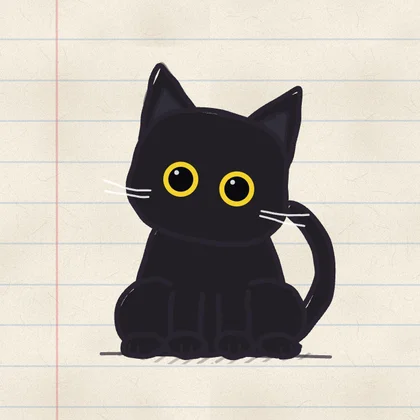
A character you choose. Blocking you control.
Keep Larry, Nori, EvoCat or Stare with you while you protect study, work or bedtime. Every cat works with every method. Hard block disables regular breaks and locks editing of a running scheduled block, with a separate weekly emergency pass. Challenge methods let you earn a short break.
Make the next check deliberate.
With EvoCat, you can turn the urge to open an app into a chess puzzle, a push-up race, a quiz or a slow breath. Complete the challenge, choose a 1–15 minute break, and your apps lock again when it ends. See the challenge methods.
Know what your progress means.
EvoCat gives you three clear views: usage and pickups describe phone habits, hearts show today’s drift, and focus hours build toward evolution. At 100 focus hours, your cat unlocks Level 2. You can see both the habits you’re changing and the time you’ve protected.
Start with your own routine.
Try EvoCat with the apps and schedule you actually want to protect. No EvoCat account is required, and camera video used to count push-ups stays on your device. A free trial is available for eligible subscribers; check its duration and renewal terms in the app. Free-trial details.
Sources & comparison notes
Comparison by EvoCat. Competitor source review: ; later checks are noted below. EvoCat feature details updated . Undocumented features are unverified, not assumed absent.
Brainrot here means Brainrot: Screen Time Control by Smolworks. Character condition in EvoCat is game feedback, not a measurement of brain health. Its App Store subscription requirement was rechecked October 28, 2026; a free download does not mean free access to all features.
Protect your next hour.
Choose your cat, choose your blocking method, and protect the next part of your day.
Download EvoCat ↗